Content Editor
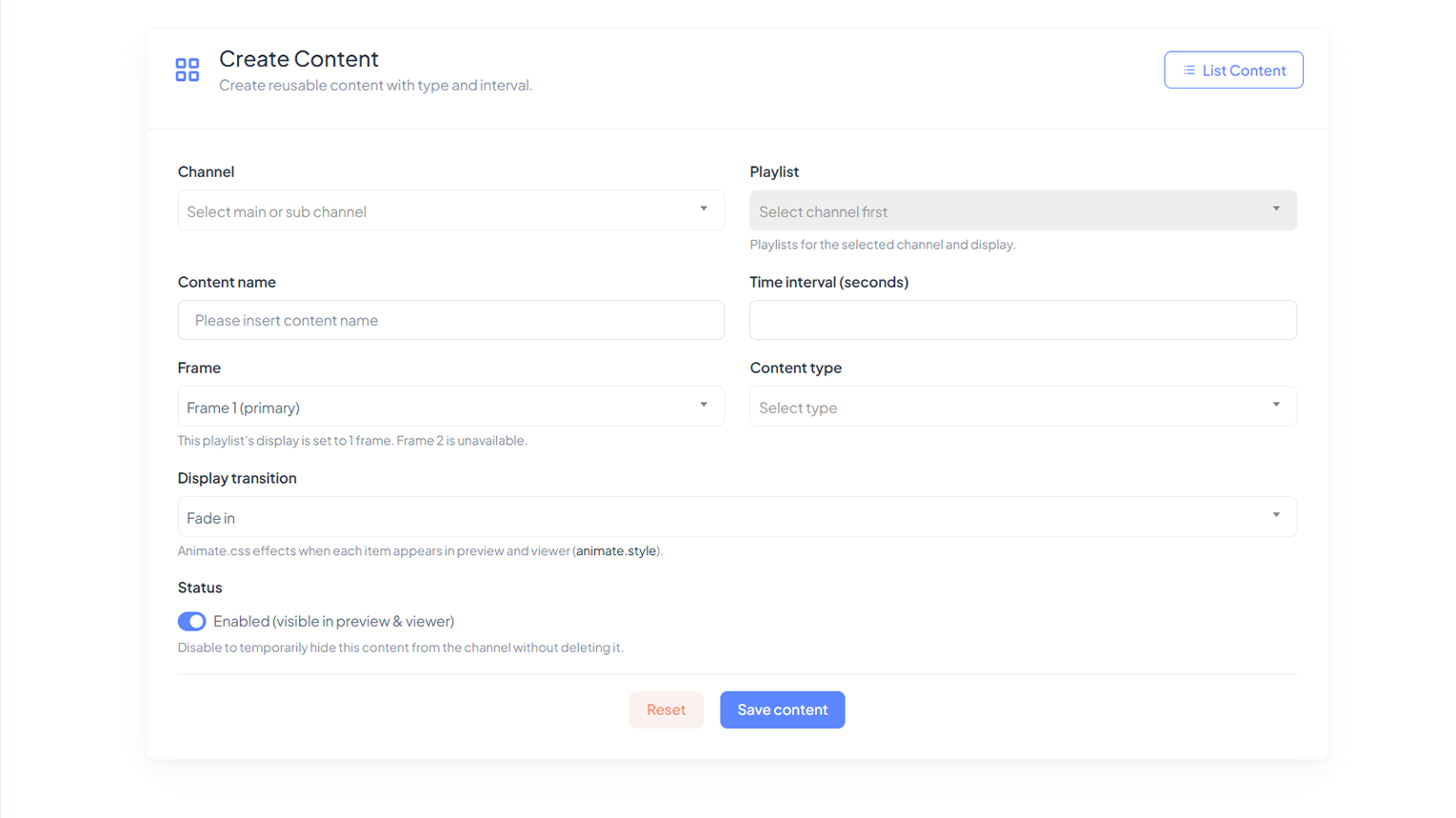
Upload and manage images, video, YouTube, RSS, articles, charts, timetable panels, audio, marquee text, and external URLs.
See Workflow

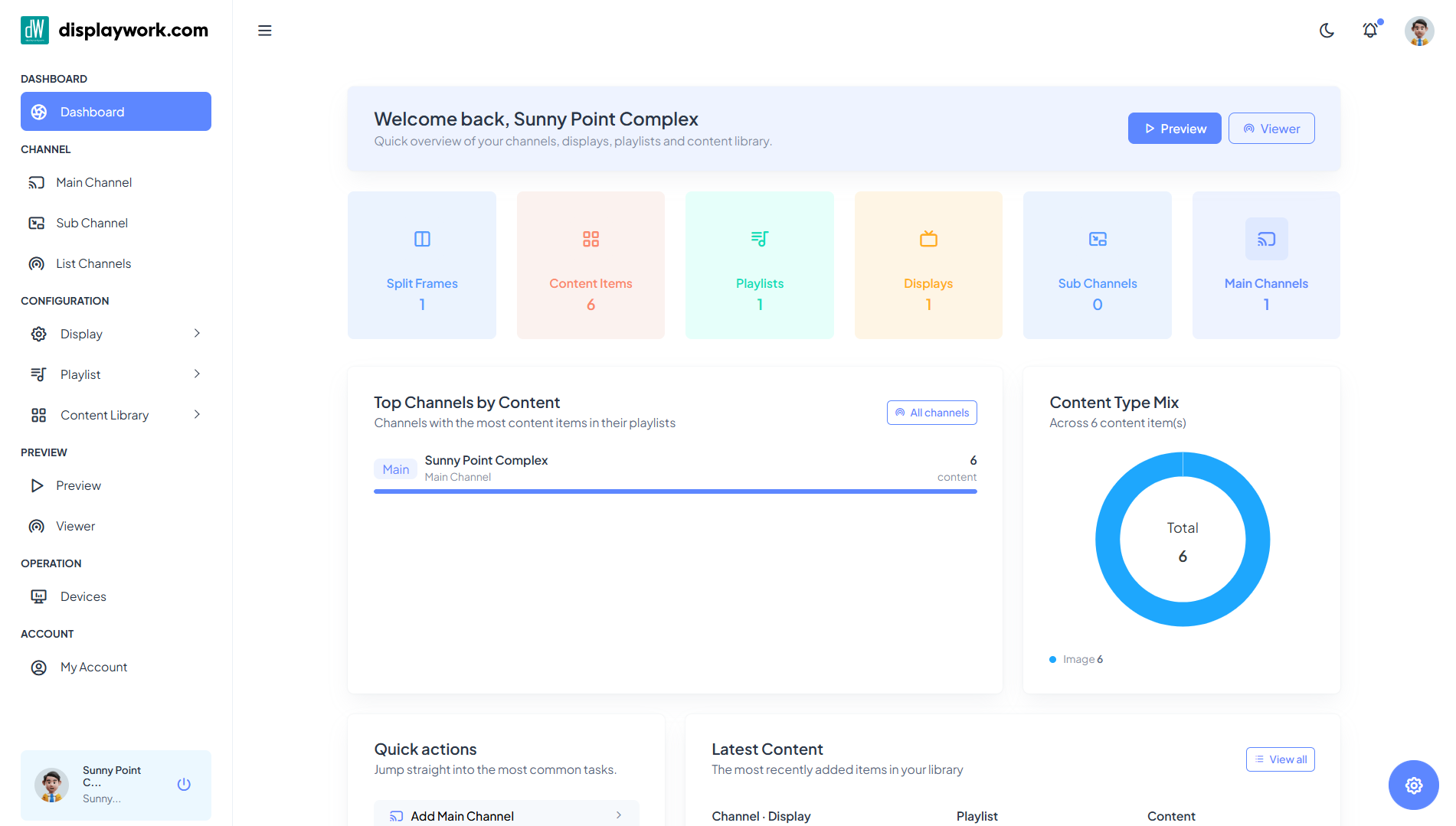
displaywork helps organizations create channels, arrange content, schedule campaigns, and broadcast live updates to web or Android viewer displays from one CMS.

Create main channels and sub-channels for departments, branches, events, counters, or internal communication groups.

Publish images, videos, YouTube, RSS, articles, charts, schedules, external URLs, audio, marquees, and timetable panels.
displaywork is designed for practical screen operations: build playlists, control panes and frames, preview layouts, and keep devices updated with heartbeat and synchronization checks.



Upload and manage images, video, YouTube, RSS, articles, charts, timetable panels, audio, marquee text, and external URLs.
See Workflow

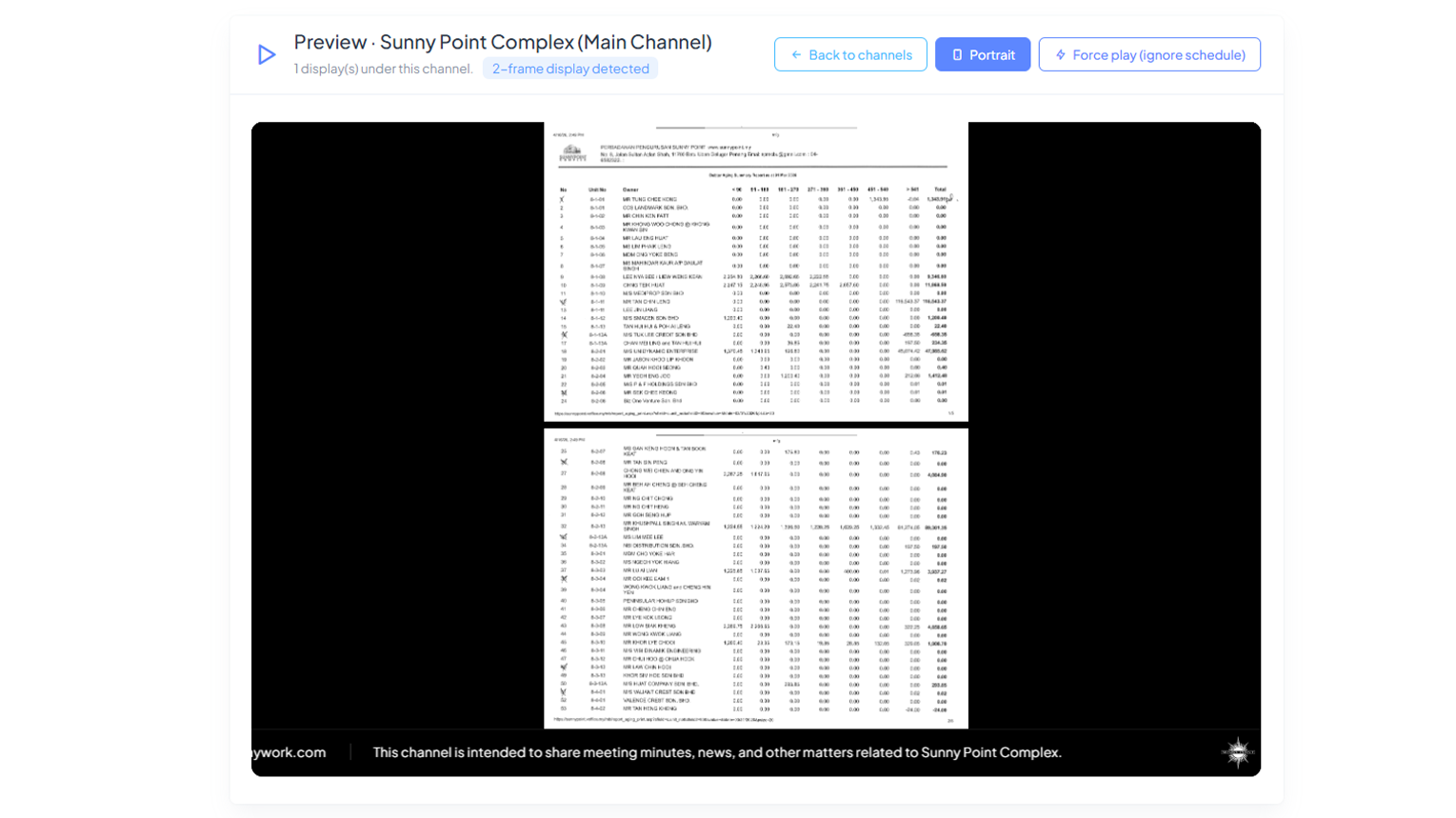
Arrange panes, frames, transitions, durations, and soundtracks to create a professional screen sequence.
See Workflow

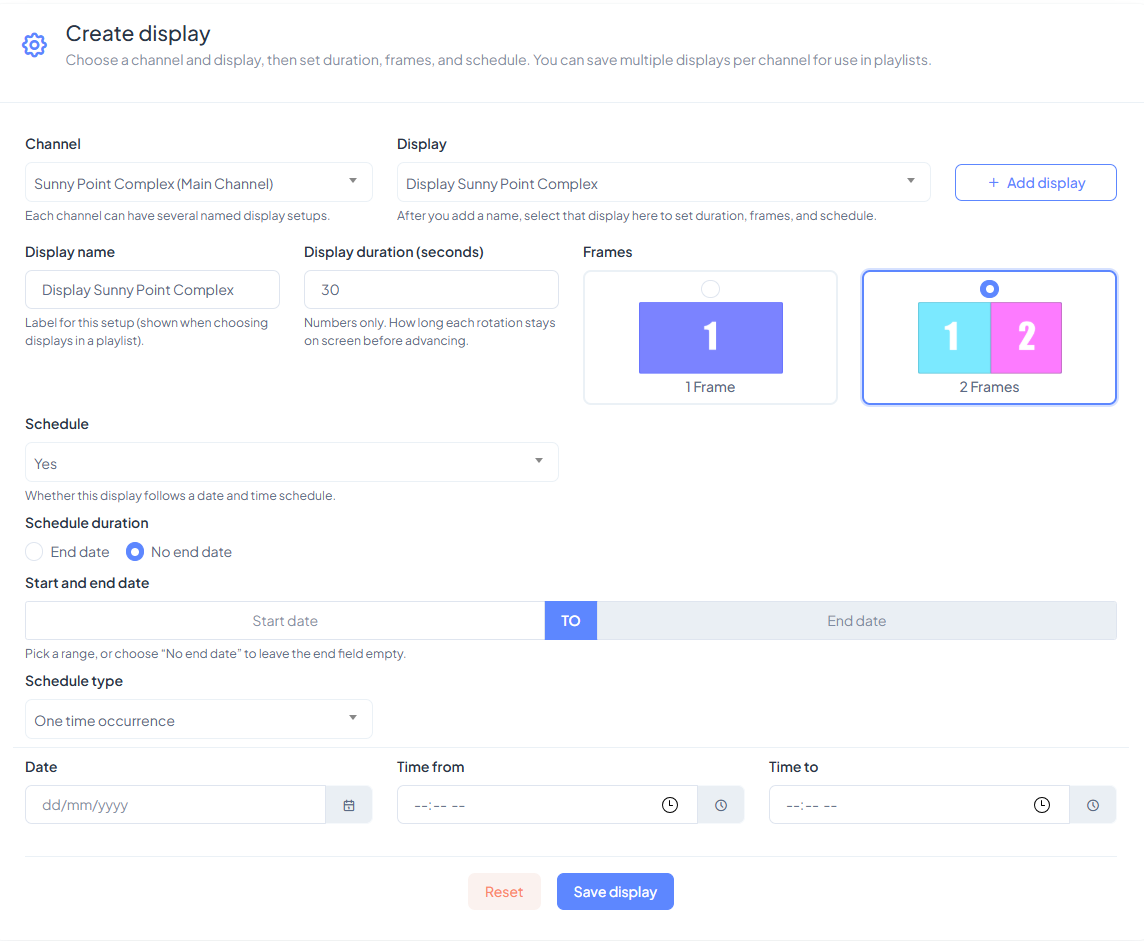
Run content once or repeat it daily, weekly, or monthly for campaigns, announcements, events, and room schedules.
See Workflow

Use channel keys, device registration, activation data, and heartbeat checks to keep screens connected and current.
Request Demo
Channels Managed

Content Items

Playlists / Panes

Registered Devices

Set up a channel for an organization, location, department, or event.

Upload or connect media, articles, feeds, charts, and live information.

Build display panes, choose frames, set timing, and preview playback.

Deploy to viewer devices and keep screens refreshed through sync checks.